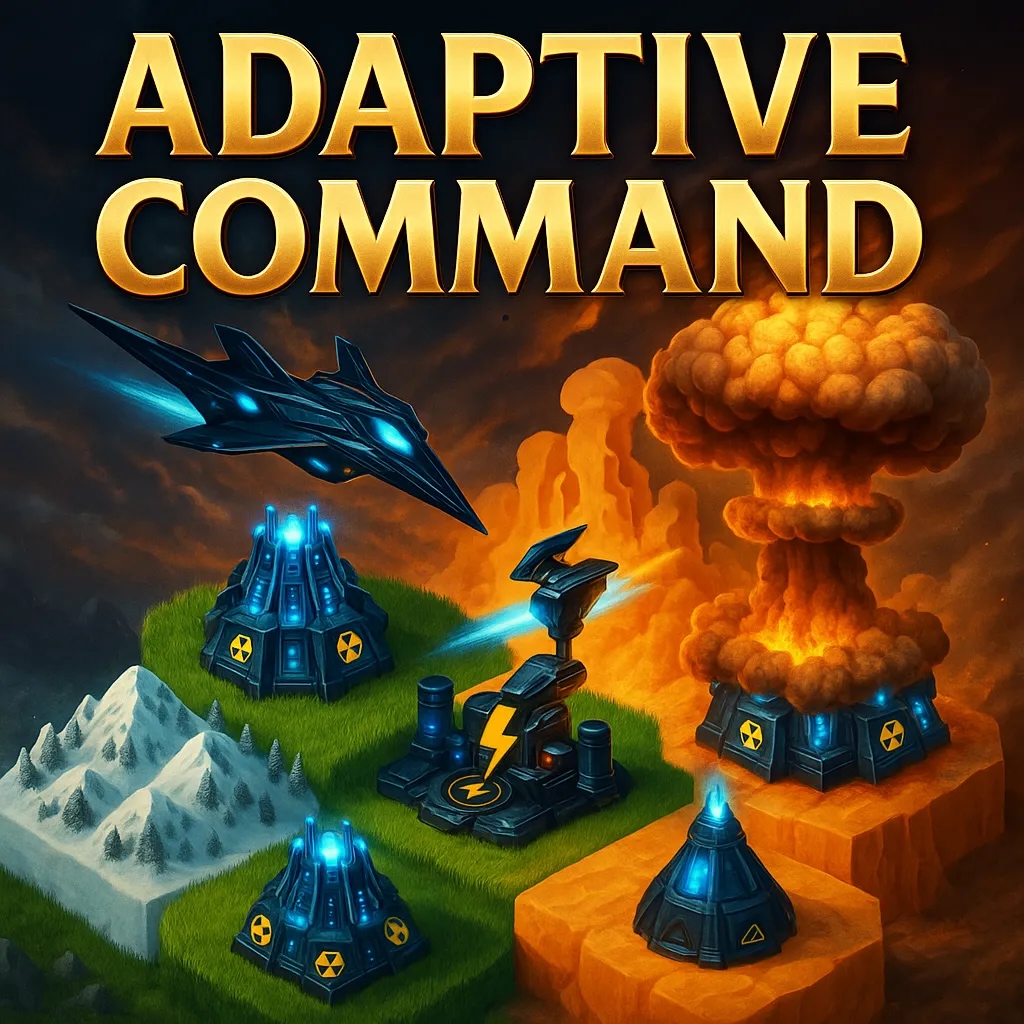
Adaptive Command Prototype
A downloadable game for Windows and macOS
In-Game Controls:
- Mouse Left Click to select units/building
- Mouse Right Click to deselect
- WASD to move camera
Additional Hotkeys:
- End Turn: Backspace/End/Delete
- Next Unit: Tab
- Previous Unit: Shift+Tab
- Next Building: [
- Previous Building: Shift+[
- Next Item (unit+buildings): ]
- Previous Item: Shift+]
- Focus Selected: F or Home
- Move: 1 or M
- Harvest: H
- Build: B
- Unit 2nd Action: 2
- Cancel Action: Right click/Escape
Download
Install instructions
Download the file for your Operating System. Unzip the file. For your system:
- Windows: Go into the extracted folder and click on Prototype_AdptComm.exe
- Mac: Double click on the .app file
- Note: if you get a warning saying that the app cannot be opened, you can manually allow it in the System Settings > Privacy & Security, scrolling down to Security and choosing Open Anyways for the app
Development log
- Version 2.0-2.4 - RTS54 days ago
- Version 21Jun 28, 2026
- Version 20Jun 19, 2026
- Version 19Jun 16, 2026
- Version 18Jun 16, 2026
- Version 17Jun 03, 2026
- Single Player ModesMay 26, 2026
- New UI and Map GeneratorMay 05, 2026